
About Our DCS Operations
Welcome to our DCS page! We run multiple servers with custom missions featuring dynamic warfare, MOOSE scripting, and a wide variety of aircraft mods.
Whether you're a seasoned pilot or just getting started, there's a place for you in our squadron. We focus on teamwork, communication, and having a good time while maintaining tactical discipline.
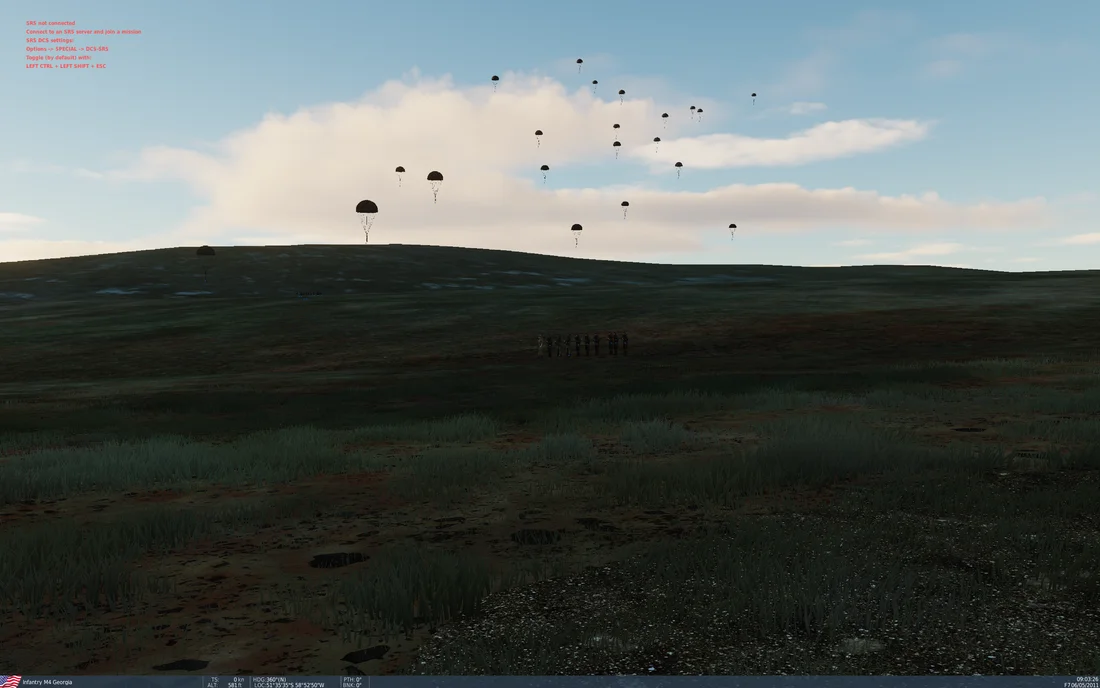
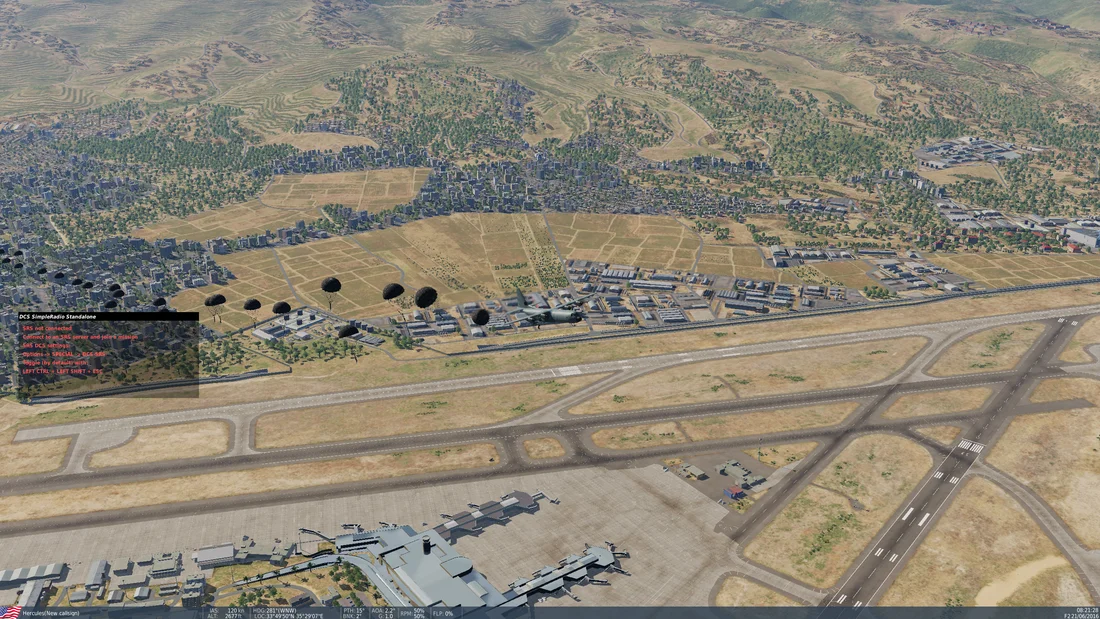
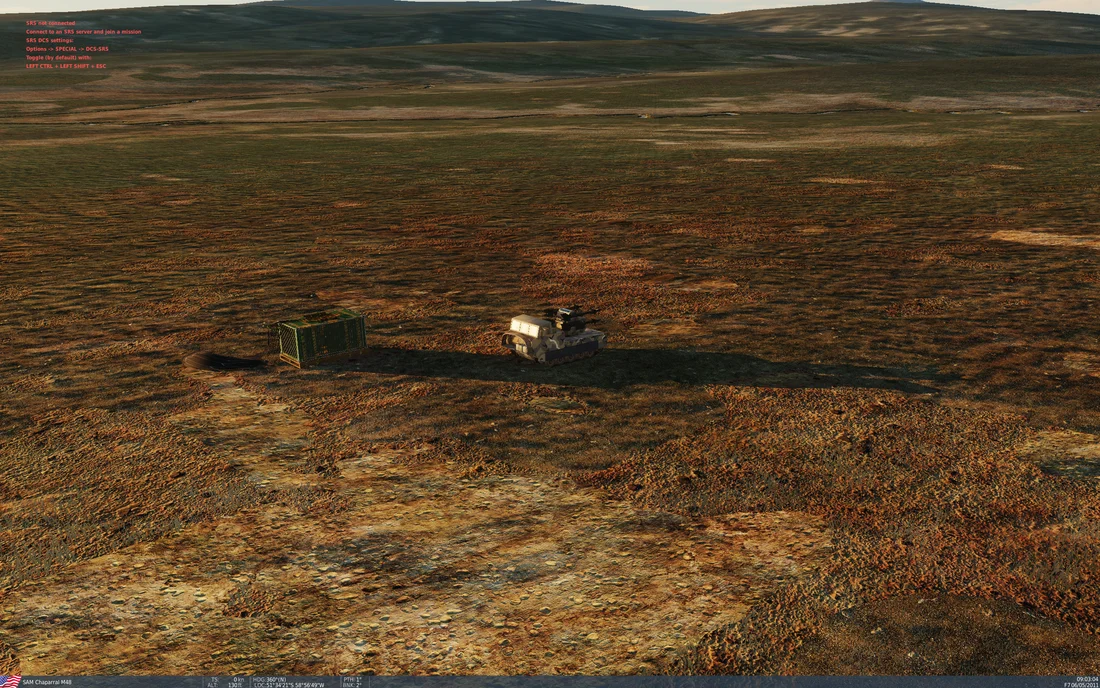
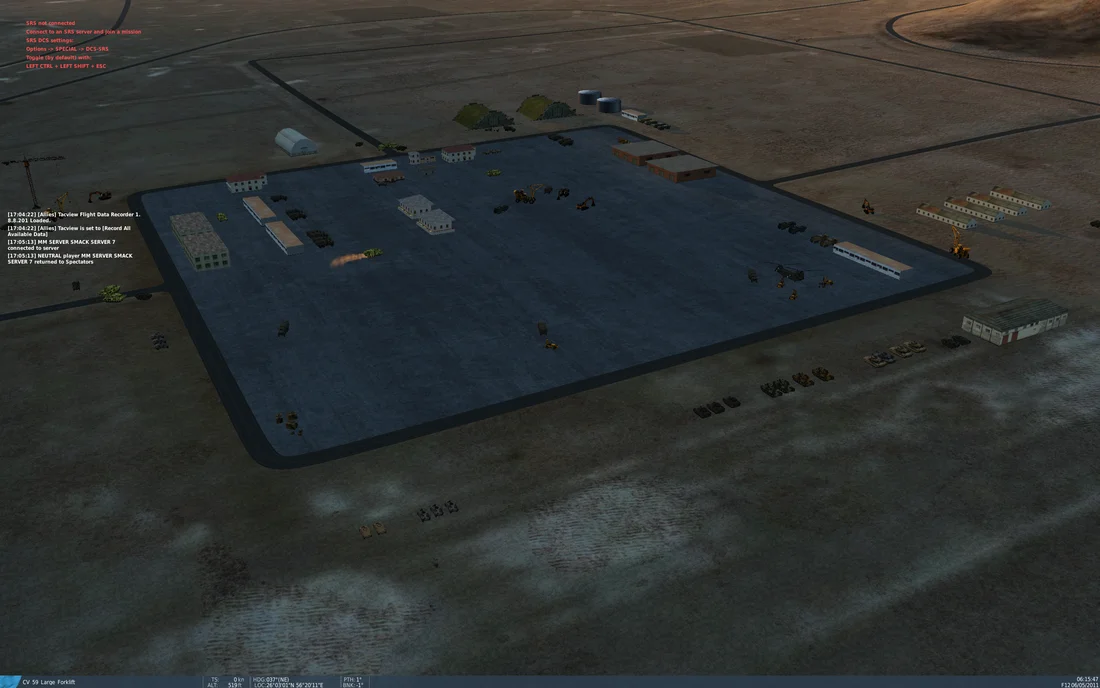
Screenshots & Videos
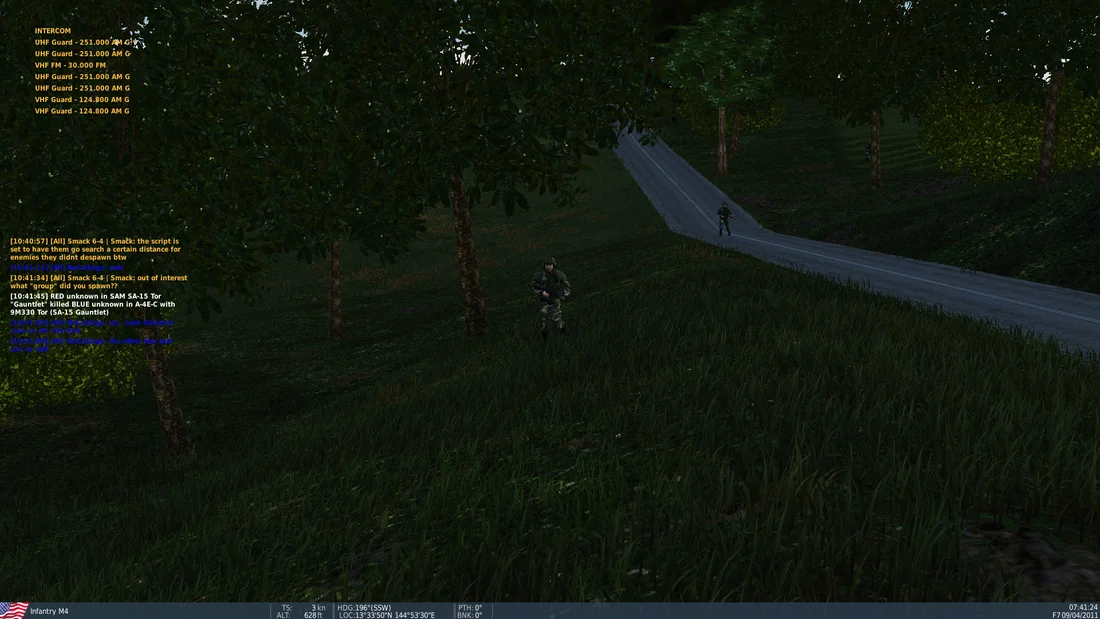
Screenshots
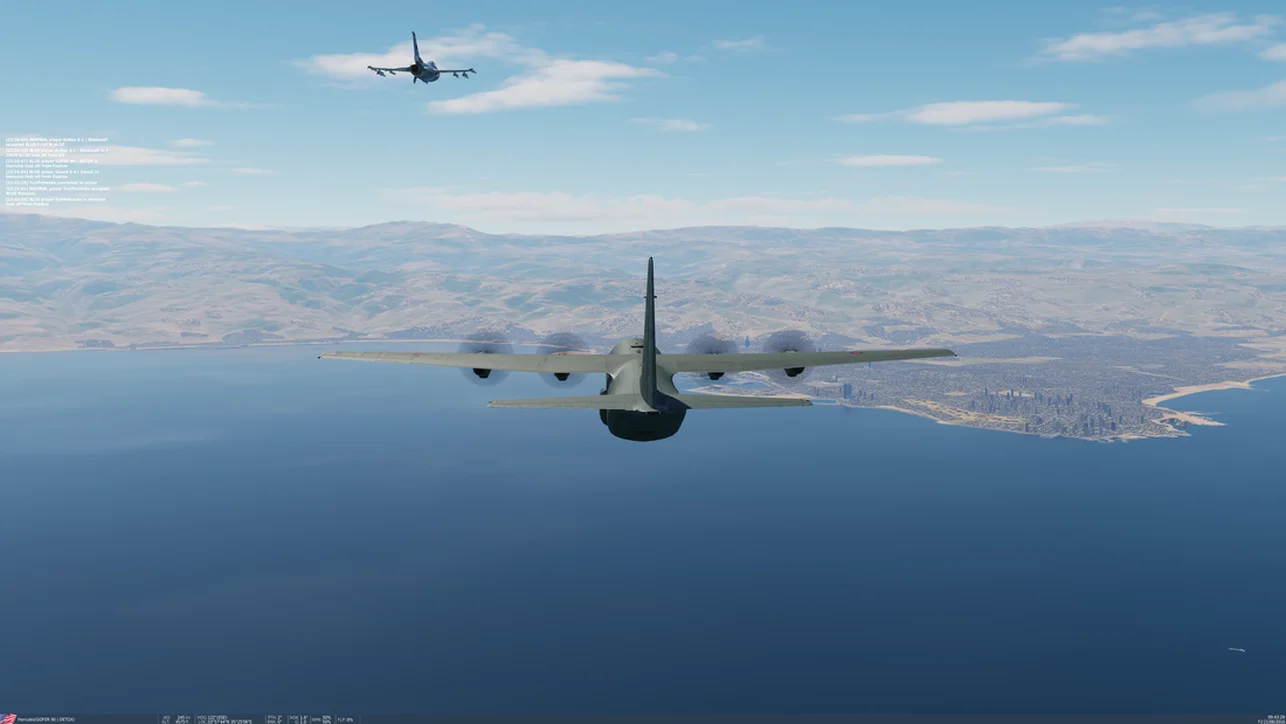
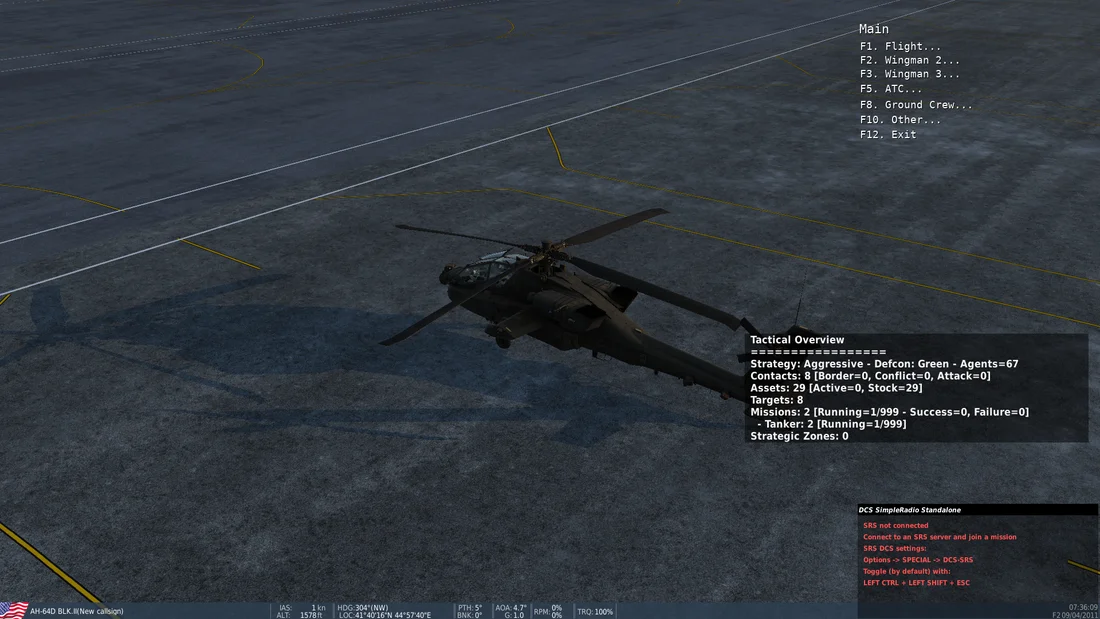
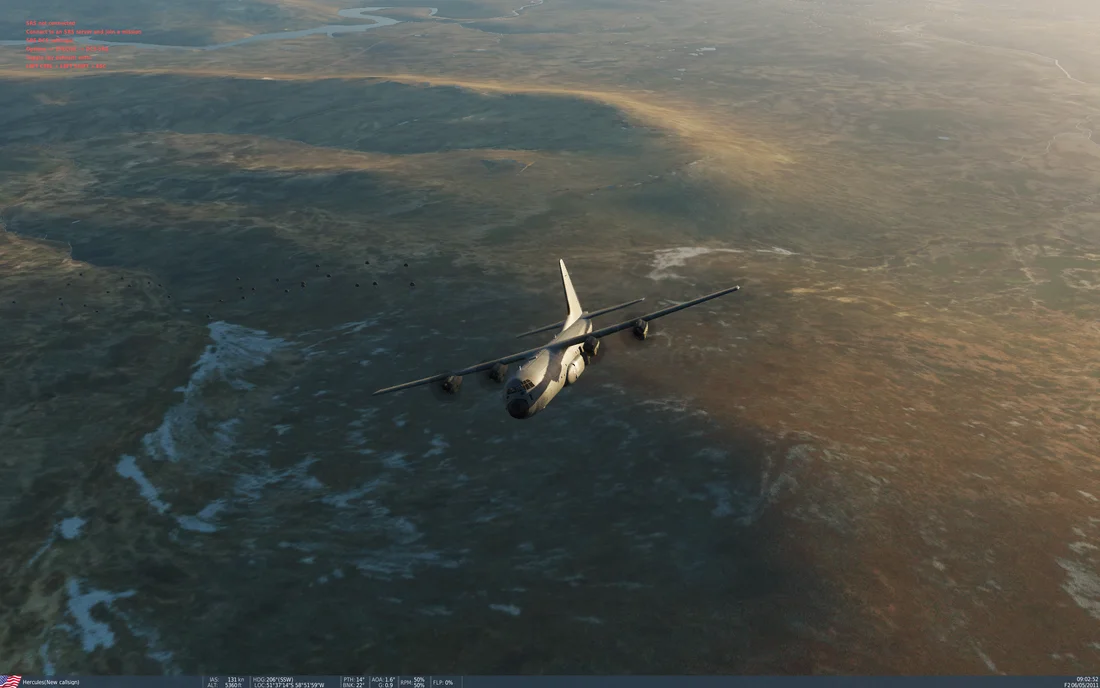
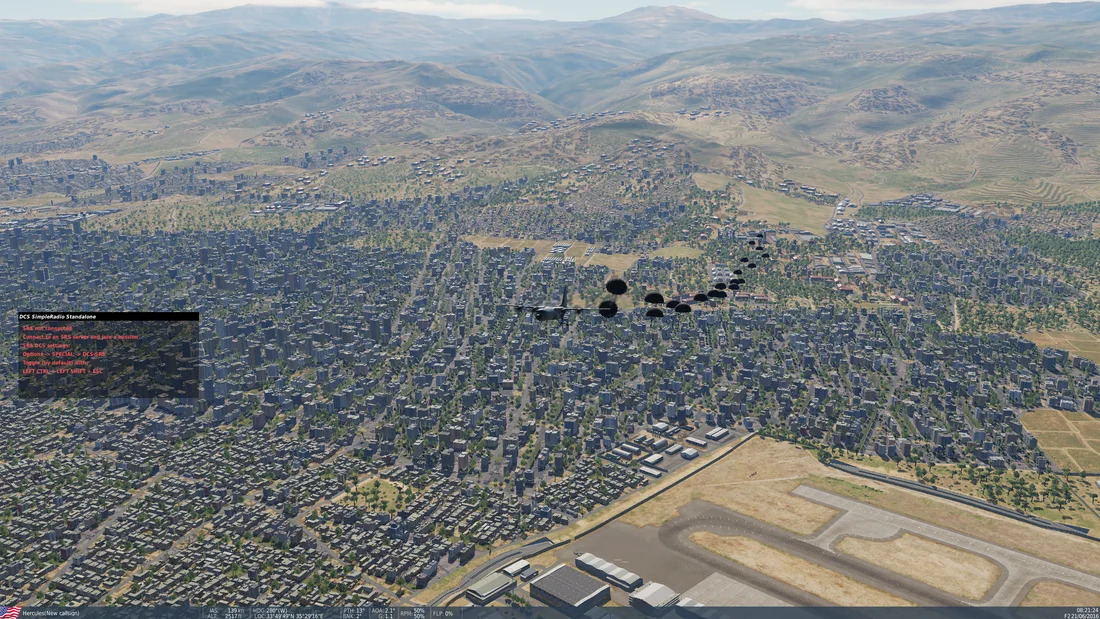
Mod Videos
Submit Your Content
Got an epic screenshot or video from one of our servers? Submit it here for a chance to be featured on the site! All submissions are reviewed before being posted.
PNG, JPG up to 8MB
Our Missions & Servers
We run dynamic warfare missions across multiple DCS maps. Each operation features custom MOOSE scripting, AI-driven combat, and full logistics systems. Hover over a mission patch to see server info.
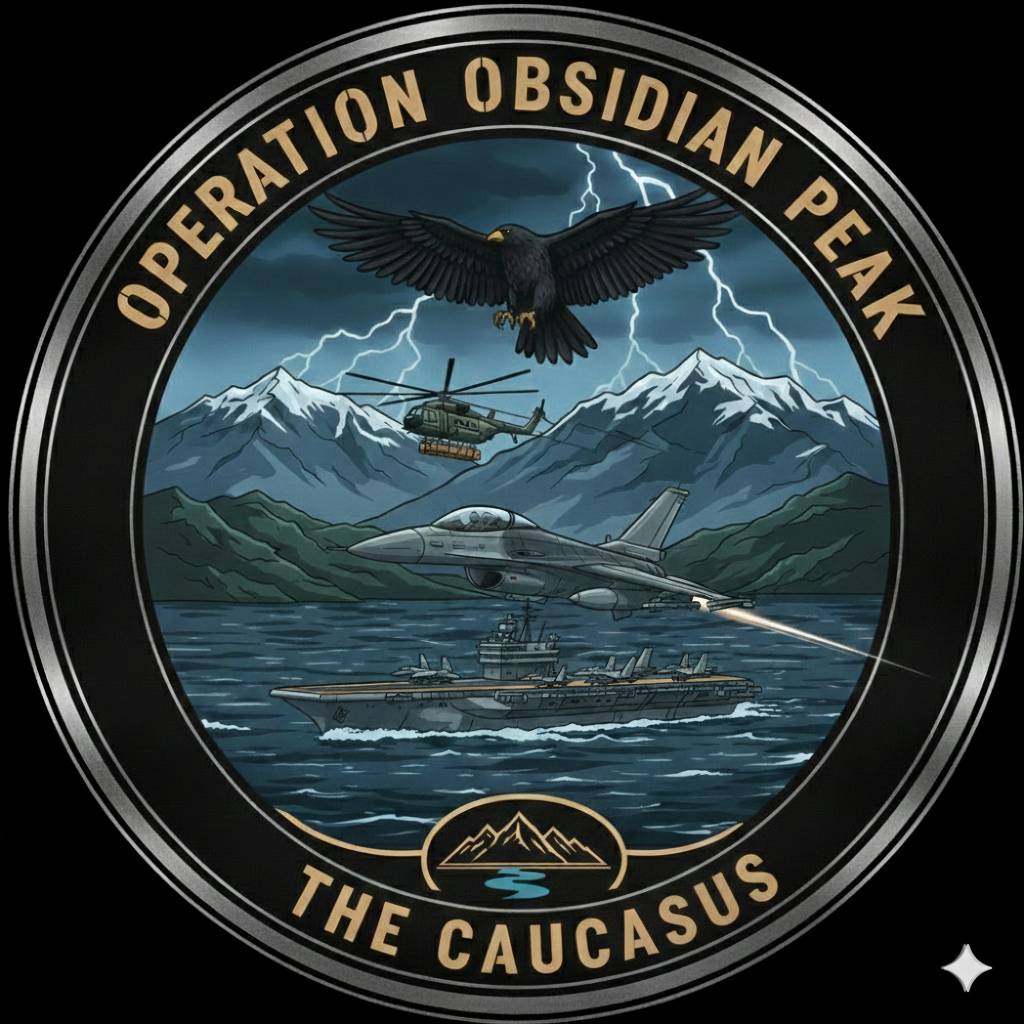
Obsidian Peak
The Caucasus
SRS: smacksrs.mmunraid.net:5002 Click for Live Map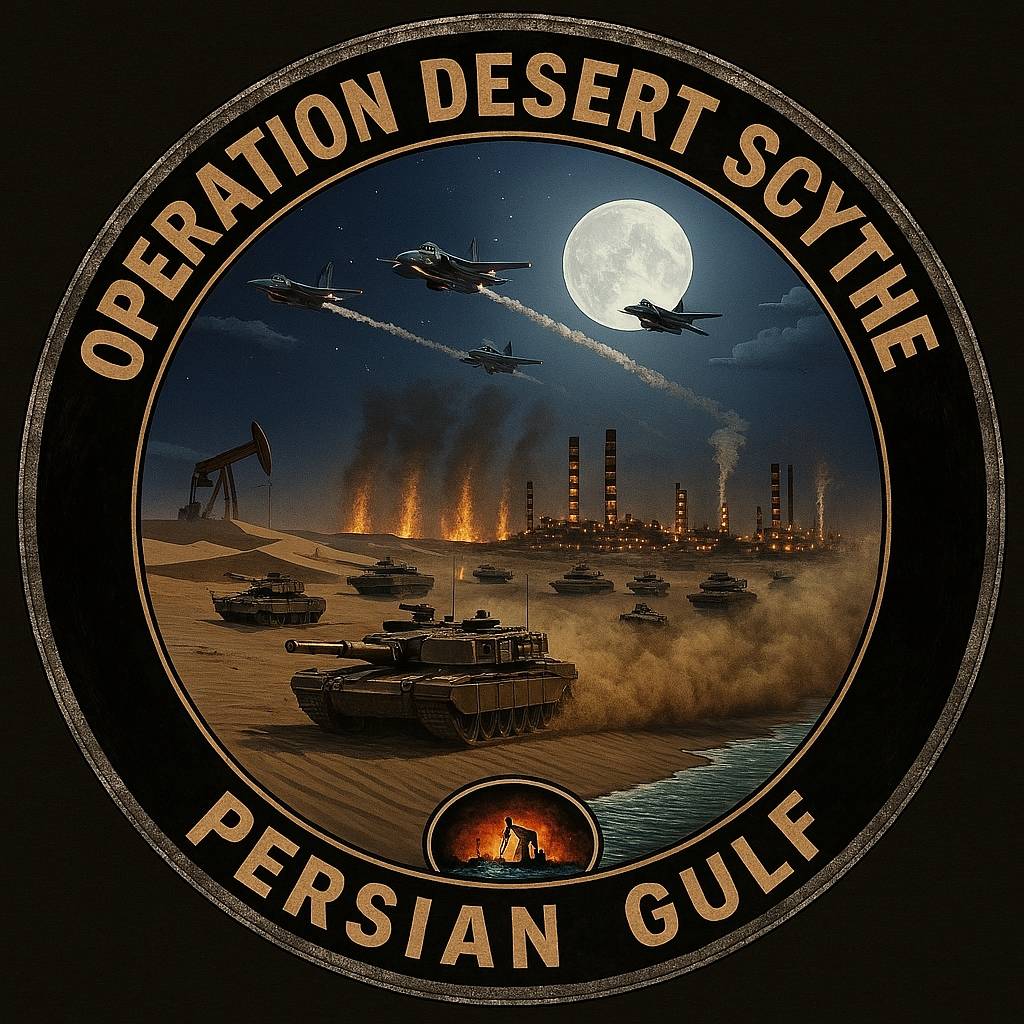
Desert Scythe
Persian Gulf
SRS: smacksrs.mmunraid.net:5016 Click for Live Map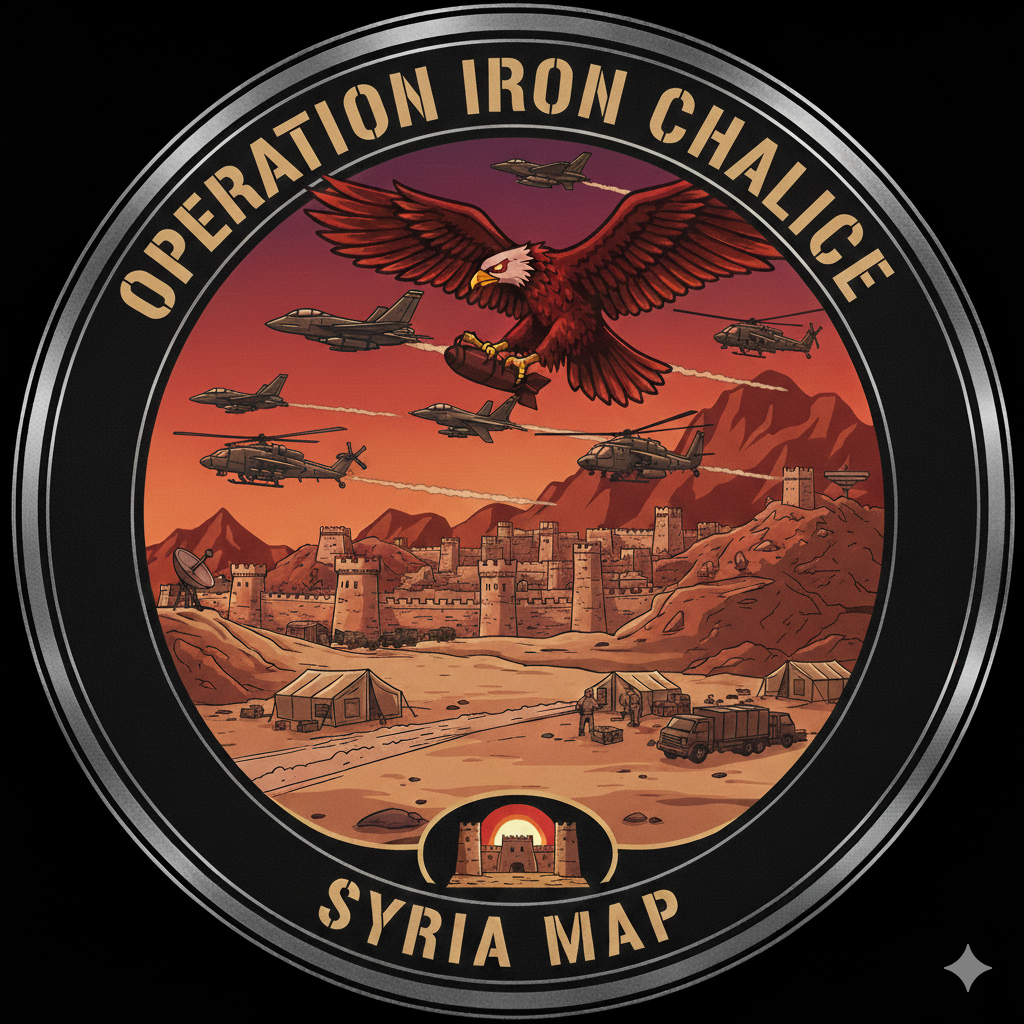
Iron Chalice
Syria
SRS: smacksrs.mmunraid.net:5006 Click for Live Map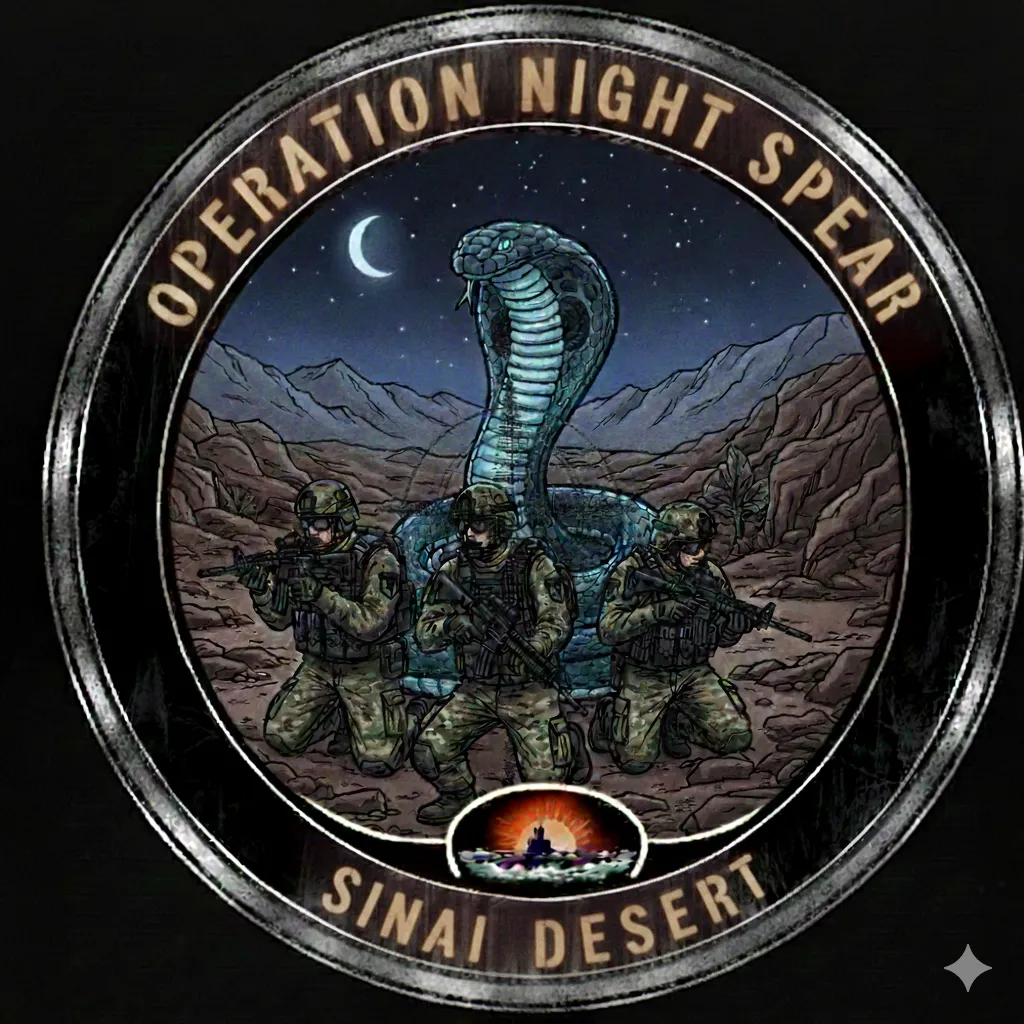
Night Spear
Sinai Desert
SRS: smacksrs.mmunraid.net:5008 Click for Live Map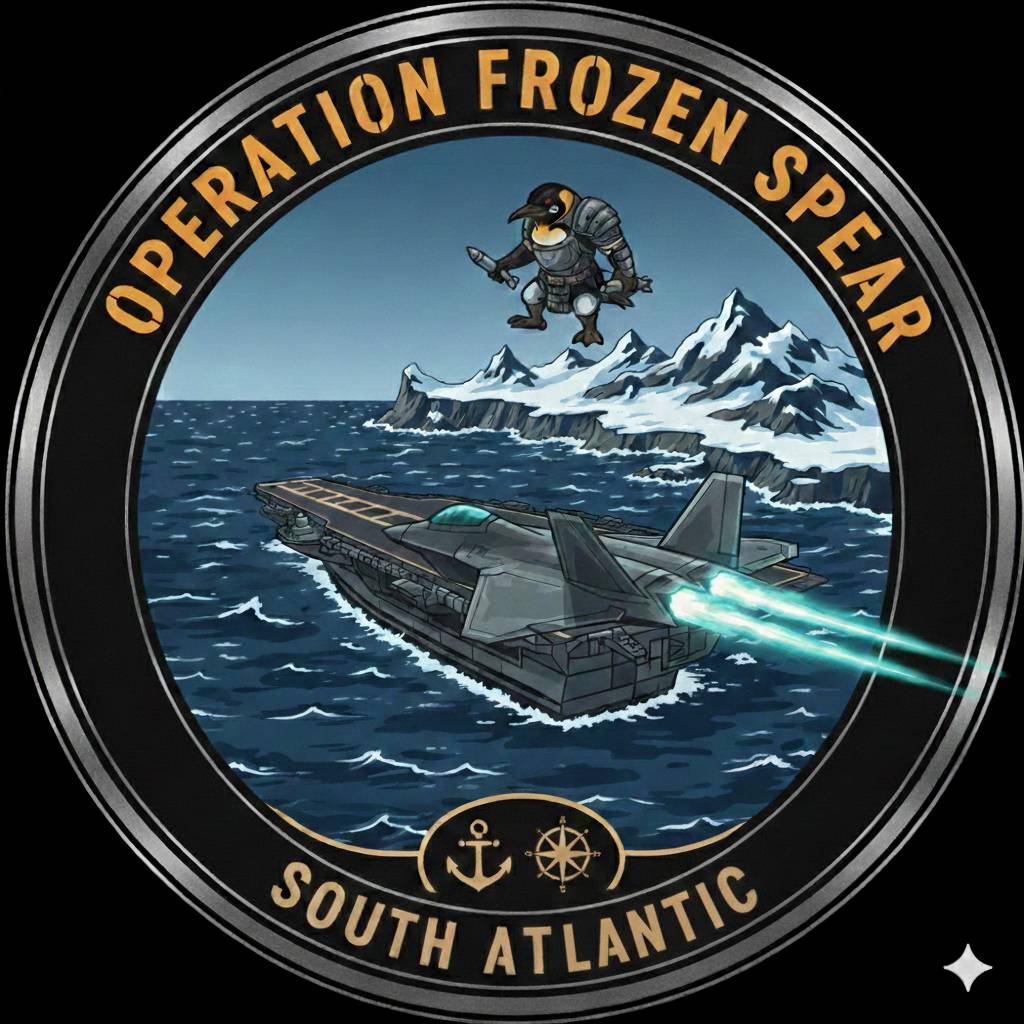
Frozen Spear
South Atlantic
SRS: smacksrs.mmunraid.net:5010 Click for Live Map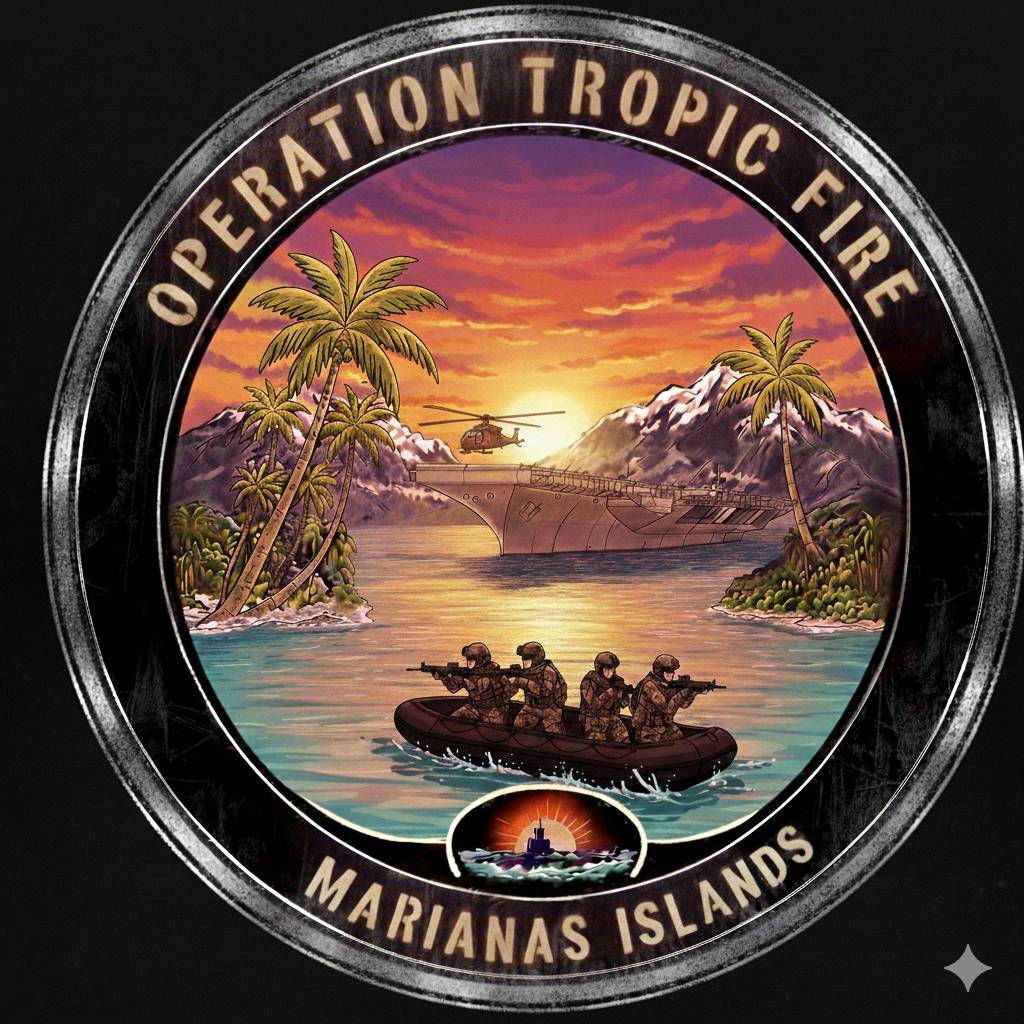
Tropic Fire
Marianas Islands
SRS: smacksrs.mmunraid.net:5011 Click for Live Map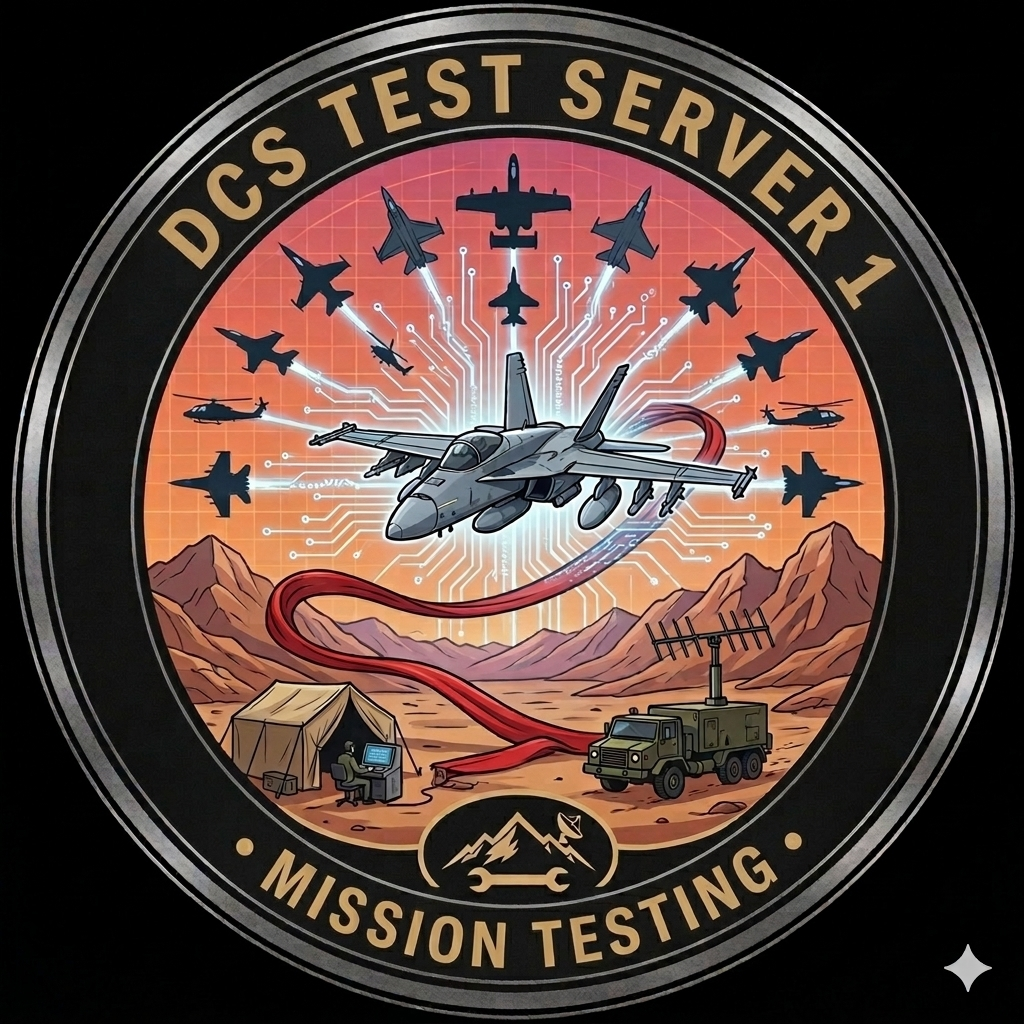
Test Server 1
DynamicWar Development
SRS: smacksrs.mmunraid.net:5013 Click for Live Map
Test Server 2
DynamicWar Development
Click for Live Map📊 Pilot Statistics
Live data from all active DynamicWar servers. Updated every 5 minutes.
| # | Pilot | Sorties | Hrs | Air | GND | Deaths | Side |
|---|---|---|---|---|---|---|---|
| Loading stats... | |||||||
| # | Pilot | Deliveries | Critical | Rebuilds | Last Delivery | Side |
|---|---|---|---|---|---|---|
| Awaiting Wave B data... | ||||||
| # | Pilot | Plugs | Fuel (lbs) | Time | 🔥 Saves | Fav Tanker | Fav Aircraft |
|---|---|---|---|---|---|---|---|
| Awaiting Wave B data... | |||||||
DCS Mods
On our servers all mods are OPTIONAL - they will make for a better experience but they are not required. You can join all the servers WITHOUT the mods installed.
Click any mod below to download, or download the entire mod pack.
Bell UH-1M
HelicopterMH-60R Seahawk
HelicopterOH-6A Cayuse
HelicopterSH-60B Seahawk
HelicopterSH-3 Sea King
HelicopterUH-60L Blackhawk
HelicopterCH-47 Chinook
FighterEurofighter Typhoon
FighterF-22A Raptor
FighterJ-20A
FighterSu-17M4 Fitter
FighterF-35 Lightning II
Fixed WingOV-10 Bronco
Fixed WingSK-60
TransportC-130 Hercules
📖 Player Guides
New to the server or need a refresher? These guides cover the mission systems and key procedures you'll use on our DynamicWar servers.
F10 Menu — DynamicWar Features
Mission SystemThe F10 menu is your command center in DynamicWar. Press F10 Other to access the DynamicWar menu, which is coalition-specific — NATO players see NATO intel and Russia players see Russia intel.
Available Menus
- Briefing — Full tactical briefing with current situation, support assets, carrier ops, and player operations reference. Automatically shown on first spawn, available on-demand anytime.
- Radio / TACAN Card — Quick reference for all tanker frequencies, TACAN channels, AWACS, carrier frequencies, and JTAC laser codes for your coalition.
- Supply Status — Visual supply bars for every base on your side, including tier averages and CRITICAL/LOW warnings for bases running dry.
- Intelligence — Shows enemy contacts detected by your coalition's INTEL system. Only shows what your side has actually spotted.
- War Status — Territory count, which side has the advantage, and momentum indicator showing if the frontline is shifting.
- Mission Summary — Overview of your coalition's active convoys, air support missions, and garrison status.
- HQ Status — Shows your own HQ locations and any enemy HQs your side has discovered.
- Fuel Status — Fuel levels for your coalition's support aircraft (tankers, AWACS, escorts).
- My Stats — Your personal kill count, deaths, ejections, CTLD deliveries, CSAR rescues, and sorties.
- Leaderboard — Cross-coalition pilot rankings with [NATO]/[Russia] tags. See how you stack up against everyone on the server.
- Server Info — Discord link, website, server name, and DynamicWar version.
FARP Smoke
A separate Request FARP Smoke menu lets you pop smoke at any FARP to help with visual approaches in poor visibility.
CTLD — Troop Transport & Crate Delivery
Mission SystemCTLD (Combat Troop and Logistics Delivery) lets transport helicopter and cargo aircraft pilots move troops and supplies between bases. Successful deliveries award supply points to the destination base, directly impacting the war effort.
Compatible Aircraft
Any aircraft with a group name starting with "Transport" or "Rescue" will get CTLD menus. This includes UH-60L, CH-47F, UH-1H, Mi-8, and the C-130 Hercules (which uses the "Hercules" prefix for CTLD-only operations).
How to Use CTLD
- Spawn in a transport aircraft at any base.
- Open F10 Other — you'll see CTLD options for loading troops and crates.
- Select Load Troops or Load Crate while on the ground at a friendly base.
- Fly to your destination — another friendly base or a FARP.
- Land within the base zone and select Unload/Deploy from the F10 menu.
- Supply points are awarded to the destination base on delivery.
Zone Smoke
CTLD zones automatically pop colored smoke to help you identify landing areas. Look for smoke near base perimeters when approaching.
CSAR — Combat Search & Rescue
Mission SystemWhen a pilot ejects, they become a downed pilot on the map. CSAR lets transport helicopter pilots locate, pick up, and return these pilots to a friendly base for a supply bonus and stat credit.
How Downed Pilots Spawn
Any time an AI or player aircraft is destroyed and the pilot ejects, a downed pilot unit spawns at their ejection location. Pilot positions are saved to disk every 5 minutes, so they persist across server restarts.
How to Rescue
- Spawn in a transport helicopter (group name starts with "Transport" or "Rescue").
- Check your F10 menu for CSAR options — it will show known downed pilot locations.
- Fly to the downed pilot's position.
- Hover low and slow near the pilot — they'll be picked up automatically when you're close enough.
- Return to any friendly base and land to complete the rescue.
- You'll receive a supply bonus and a CSAR rescue stat credit.
JTAC / AUTOLASE — Laser-Guided Weapons
Mission SystemDynamicWar features MQ-9 Reaper drones that automatically orbit the frontline and designate enemy targets with laser codes. This lets players with laser-guided weapons (GBUs, Mavericks, etc.) engage ground targets without needing a human JTAC.
How AUTOLASE Works
- An MQ-9 Reaper drone orbits the frontline for each coalition — NATO uses callsign "Fox", Russia uses "Wolf".
- The Reaper automatically detects and lases enemy ground targets within its sensor range.
- Lased targets are assigned one of 4 laser codes per coalition — check your Radio/TACAN card in the F10 menu for the codes.
- Set your weapon's laser code to match one of the active JTAC codes.
- Release your laser-guided weapon — it will guide to the lased target.
CTLD Ground JTACs
Transport pilots can also deploy ground JTAC teams via CTLD. Once placed, these teams will start designating targets in their area and are picked up by the AUTOLASE system. This lets players extend laser designation coverage to areas the Reaper isn't orbiting.
Dynamic Repositioning
The Reaper automatically repositions its orbit every 5 minutes if the frontline shifts more than 10km — it always stays where the fighting is. If the Reaper is shot down, it respawns after a delay.
Paratrooper Drops
Mission SystemC-130 Hercules and OV-10 Bronco pilots can drop paratroopers over contested territory. Successful drops spawn ground fireteams and award supply points to the nearest friendly base.
How It Works
- Hercules (C-130 mod): Press F8 to release paratroopers. 30 drops are tracked to ground impact and spawn as 6 fireteams at the landing centroid. Awards +5 supply per fireteam (+30 total) to the nearest friendly base.
- OV-10 Bronco (mod): Use the pickle button to drop paratroopers. 5 drops spawn as 1 fireteam. Awards +5 supply to the nearest friendly base.
Important Notes
- NATO only — no Russia paratrooper-capable aircraft currently exist.
- C-130J (official ED module) does not support visual drops due to a scripting limitation — C-130J players use the F10 CTLD menu for troop transport instead.
- Coalition-wide messages announce successful drops so your team knows reinforcements have landed.
Carrier Operations — Case I / II / III Recovery
Carrier OpsDynamicWar features 3 carrier groups with AIRBOSS managing recovery patterns. Carriers have working TACAN, ICLS, and radio frequencies, plus recovery tankers and plane guard helicopters.
Carrier Frequencies
| Carrier | Radio | TACAN | ICLS | Recovery Tanker |
|---|---|---|---|---|
| CVN-74 Stennis | 274 MHz | 74X STN | Ch 7 | Arco — 257 MHz / 38Y |
| LHA-1 Tarawa | 276 MHz | 78X TRW | Ch 9 | None (use KC-135 or Arco) |
| Kuznetsov | 124 MHz | — | — | None |
Recovery Cases
- Case I — Visual conditions (clear weather, daytime). Overhead break pattern. Fly the carrier's BRC (heading), enter the break at 800ft, descend on downwind, turn base, turn final and call the ball.
- Case II — Instrument approach transitioning to visual. Used in reduced visibility. Follow TACAN/ICLS to marshal, then transition to visual for the final approach.
- Case III — Full instrument approach (night/IMC). Marshal at assigned altitude, commence approach on time, fly the ICLS glideslope down to the deck.
LSO Grading
AIRBOSS grades every trap. Your landing quality is evaluated and auto-saved. Aim for an OK-3 wire — the LSO is watching!
Tanker Refueling — Boom vs Probe
RefuelingDynamicWar has multiple tanker airwings orbiting in dedicated zones. Knowing which tanker to use and how to join up is essential for long missions.
Tanker Frequencies
| Tanker | Type | Radio | TACAN | Aircraft That Use It |
|---|---|---|---|---|
| Texaco (Boom) | KC-135 | 254 MHz | 18Y | F-16C, F-15C, A-10C, F-22, F-35 |
| Shell (Probe) | KC-135MPRS | 255 MHz | 14Y | F/A-18C, F-14, AV-8B, Mirage, Tornado |
| Arco (Stennis RT) | S-3B | 257 MHz | 38Y | Carrier aircraft (boom) |
Boom Refueling (USAF Style)
- Tune TACAN to the tanker's channel and fly to intercept.
- Approach from behind and below — join in pre-contact position (slightly below and behind the boom).
- Stabilize and fly formation — the boom operator will extend the boom to you.
- Hold position steady until the boom connects and fuel flows.
- When full, the boom disconnects — back away gently.
Probe & Drogue Refueling (Navy Style)
- Tune TACAN and intercept the tanker.
- Approach from behind — you'll see a trailing basket (drogue) on a hose.
- Extend your refueling probe (aircraft specific — check your cockpit).
- Fly your probe into the center of the basket — you need to push it forward to connect.
- Once connected, hold steady formation while fuel transfers.
- When full, gently back away to disconnect.
Cold Start Procedures
Airframe GuidesMost aircraft on our servers start cold and dark on the ramp. Below are quick-start checklists for the most common airframes. These are abbreviated guides to get you airborne — for full systems tutorials, check out resources like Chuck's Guides or the DCS manual for each module.
- Battery ON (right console, aft panel).
- Right engine: Move throttle to IDLE, press right engine crank button. Wait for RPM to stabilize.
- Left engine: Same procedure for left.
- APU OFF once both engines running.
- Avionics — cycle through the DDI/AMPCD pages as needed. Set radar, TACAN, and radio frequencies.
- INS alignment: Carrier align (CV) for carrier starts, ground align (GND) for airbase. Wait for alignment quality.
- Set TACAN to your destination or tanker channel.
- Arm ejection seat, close canopy, set flaps to HALF for takeoff.
- NWS (nose wheel steering) on for taxi.
- Main power switch to BATT.
- JFS (Jet Fuel Starter) switch to START 2. Wait for RPM rise.
- Throttle from OFF to IDLE when JFS RPM is sufficient. Engine will light off.
- Wait for engine to stabilize at idle RPM, JFS will disengage automatically.
- Avionics power switch to ON. MFDs will boot.
- Set up TACAN, radio frequencies, and countermeasures program.
- INS knob to NAV — alignment takes ~8 minutes for full accuracy (or select GPS for faster).
- Canopy down and locked, parking brake release, NWS for taxi.
- Run BIT checks on the MFD if time permits.
- The F-15C is a simplified (FC3) module — no clickable cockpit.
- Press LShift+L to turn on power (or use the auto-start key: LWin+Home).
- Left engine start: RAlt+Home. Right engine: RCtrl+Home.
- Once both engines are running, you're ready to taxi.
- Set radar to the appropriate mode, tune TACAN via keyboard shortcuts.
- Battery power ON (left console), then APU ON.
- Wait for APU to spool. APU GEN online.
- Left engine: Throttle to IDLE, ignition switch, wait for light-off and stabilization.
- Right engine: Same procedure.
- APU OFF once both generators are online.
- CDU power on — enter flight plan or set steerpoints as needed.
- EGI alignment: Set to NAV, wait for alignment (faster with stored heading).
- Set TACAN, radios, TGP (targeting pod) power on.
- IFFCC master mode, set weapon profiles.
- Canopy closed, NWS active, taxi out.
- Collective full down, battery ON.
- Fuel pumps ON (forward and aft).
- APU: Open fuel shutoff, press APU start. Wait for RPM.
- Left engine: Move to IDLE. Wait for spool.
- Right engine: Move to IDLE.
- Rotor brake OFF once engines are at idle.
- Wait for rotor RPM to reach operating range.
- Navigation systems: PVI-800 and ABRIS power on, set waypoints.
- Shkval (targeting system) power on for Vikhr missile guidance.
- Battery ON, throttle to IDLE detent.
- Fuel switch to ON, governor to AUTO.
- Press starter button — hold until N1 reaches ~15%, then release.
- Throttle slowly to full open as engine spools.
- Wait for rotor RPM to reach the green arc (~324 RPM).
- Set radios, check instruments, and you're ready for liftoff.
- The Su-25T is a simplified (FC3) module — no clickable cockpit.
- Use LWin+Home for auto-start, or manually start engines with RAlt+Home / RCtrl+Home.
- Once engines are running, set weapon modes as needed.
- The Shkval targeting screen is used for Vikhr and guided weapons.
🗺️ Development Roadmap — DynamicWar
Track DynamicWar development across all theater maps. Click a map to expand.
🏔️ Caucasus — Operation Obsidian Peak
LIVE🏜️ Persian Gulf — Operation Desert Scythe
NEXT🌍 Future Theaters
PLANNED⏳ Deferred Features
Future🏆 Competitions & Challenges
Compete with fellow pilots for glory and prizes! We run regular competitions across our servers. Check back for active and upcoming events.
Best Screenshot of the Month
Submit your most epic DCS screenshots. Community votes pick the winner each month. Use the upload form above to enter!
Coming Soon
Top Gun Challenge
Rack up the most air-to-air kills across all servers in a month. Stats tracked via DCS mission scripting.
Coming Soon
CSAR Hero
Rescue the most downed pilots in a week. Fly into hostile territory, locate the pilot, and bring them home safe.
Coming Soon
Want to suggest a competition? Drop a message in our Discord!
What We Fly
- A-10C Warthog - Close Air Support
- F-16C Viper - Multi-role Fighter
- F/A-18C Hornet - Naval Aviation
- AH-64D Apache - Attack Helicopter
- UH-60L Blackhawk - Transport (Mod)
- C-130 Hercules - Heavy Lift & Paradrop (Mod)
- CH-47 Chinook - Transport (Mod)
- And many more modules and mods...
Join Us
Ready to fly? Join our Discord and check the DCS channels for mission times, training sessions, and casual flights.
Join Discord